
Payment methods
Choose which payment methods cashiers can accept.
Payment methods tell the POS how guests can pay. Go to Settings → Payment Methods and choose Add Method. Needs Basic or above.
Fields
| Field | Meaning |
|---|---|
| Name | What the cashier sees, for example “Visa”. |
| Type | Cash, credit card, debit card, bank transfer, mobile wallet, digital payment, QR payment, online payment, gift card, customer credit or other. |
| Reference required | Ask the cashier for a reference (card last four digits, transaction ID). |
| Icon (emoji) | Optional. |
| Sort order | Position in the list. |
| Branch | A specific branch or all branches. |
| Description | Optional. |
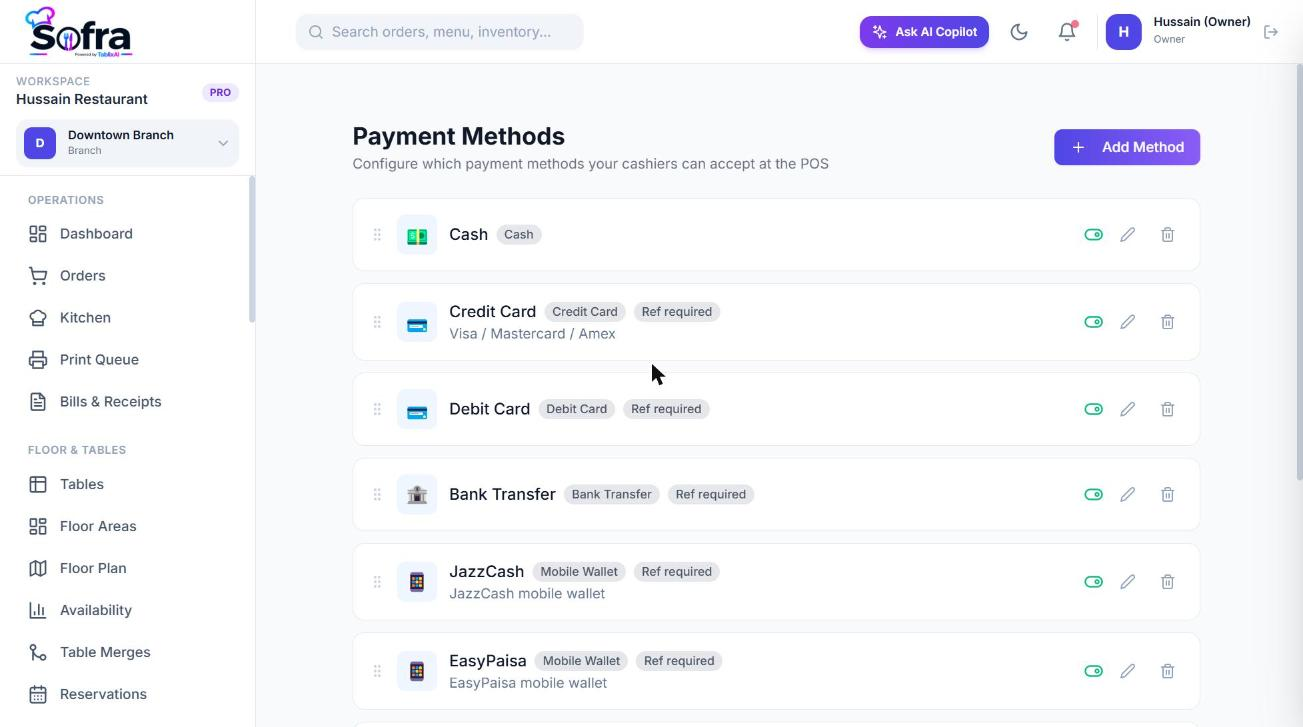
Methods are used at the payment step of an order. See Payments, refunds & voids.
Ready to try it?
Create a free account and follow along.