Introduction
Sofra runs the whole restaurant day, from the first booking to the last bill, in one cloud platform.
What is Sofra?
Sofra is a cloud restaurant management platform built by TablixAI. It replaces the mix of a POS, a kitchen screen, a booking book, stock spreadsheets and a printer utility with one system that shares one set of data. An order taken at the counter fires a ticket to the right kitchen station, deducts ingredients from stock, prints on the right printer, produces a numbered receipt and shows up in your reports without anyone re-typing it.
It works for a single café and for a group with several restaurants and many branches. You start with one restaurant and one branch and add more as you grow, all under one owner account.
What you can do with Sofra
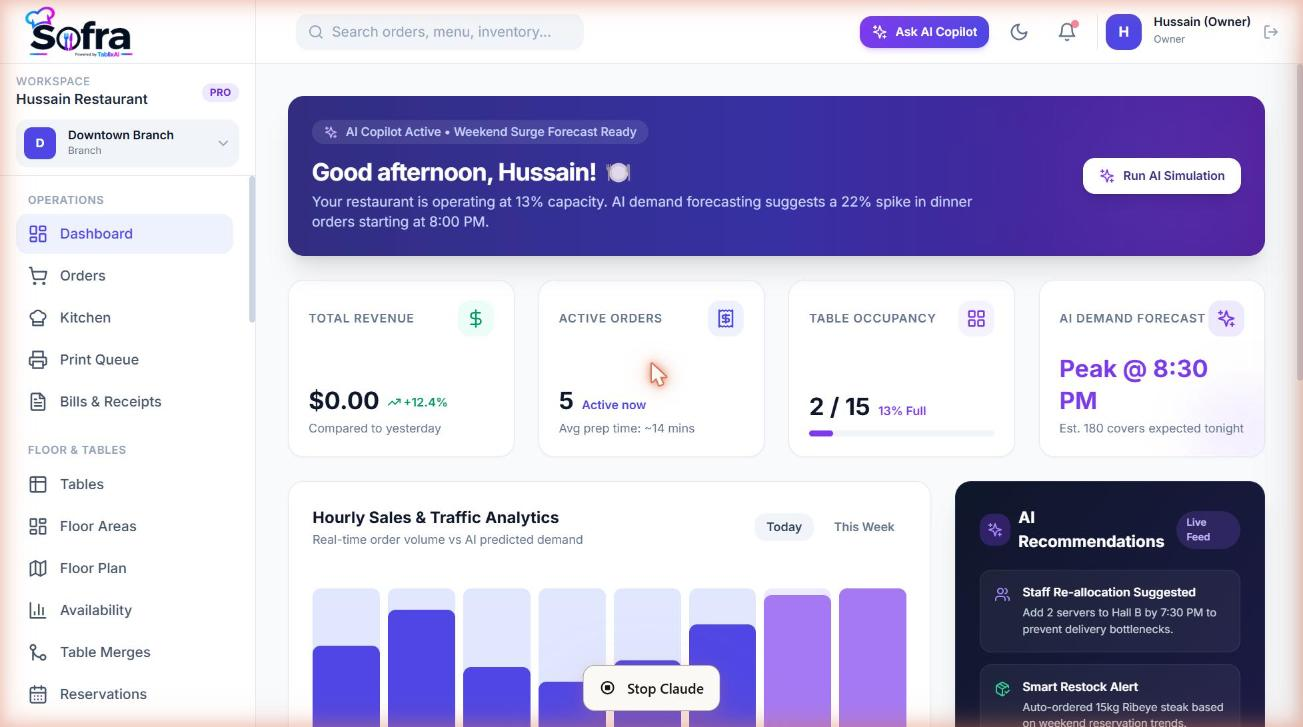
- Take orders for dine-in, takeaway, delivery, counter, phone, online and QR channels from one POS, with item notes, modifiers, discounts, coupons, split payments and refunds.
- Run the kitchen with a live kitchen display, prep stations, step-by-step prep workflows, rush priorities and course firing.
- Print silently on thermal printers: kitchen, bar, pickup and packing tickets, driven by print rules and a small print agent on the branch PC.
- Manage the floor with floor areas, a drag-and-drop floor plan, live table status, table merging and an availability timeline.
- Take bookings from staff or from a public booking page, with deposits for risky guests, automatic no-show handling and email reminders.
- Handle walk-ins and the waitlist with quoted waits and one-click seating when a table frees up.
- Control stock with ingredients, warehouses, stock movements, low-stock alerts and recipes that deduct ingredients automatically.
- Issue customer documents (bills, receipts, invoices) with gap-free numbering, frozen snapshots and customizable templates.
- Control access with roles, per-permission switches, branch-level access and department grouping.
- Run many restaurants from the owner portal, each with its own address, branches, plan and optional custom domain.
How Sofra is organized
Sofra has two places you will use:
| Place | Who uses it | What it is for |
|---|---|---|
Owner portal (app.sofra.tablixai.com) | The account owner | Create restaurants, publish them, manage domains, view usage and manage the subscription and your profile. |
Restaurant app (<your-name>.sofra.tablixai.com or your own domain) | Owner and staff | The day-to-day product: orders, kitchen, tables, bookings, inventory, reports and settings. |
Inside a restaurant, your data is arranged as Restaurant → Branches. Menus, taxes and recipes are defined once at restaurant level; tables, floor areas, stock, printers, staff access and reservations belong to a branch.
How to read these docs
The documentation follows the order in which you will actually set Sofra up and then use it day to day.
1. Get started
Quickstart, core concepts and plan limits.
2. Set up your restaurant
Account, branches, tables, menu, taxes, payments and staff.
Customization
Restaurant-wide vs branch settings, with the plan for each.
3. Run service
POS, kitchen, bookings, walk-ins, documents and printing.
4. Back office
Inventory, recipes, customers, reports and billing.
Reference
Permissions, statuses, FAQ and support.
Ready to try it?
Create a free account and follow along.